









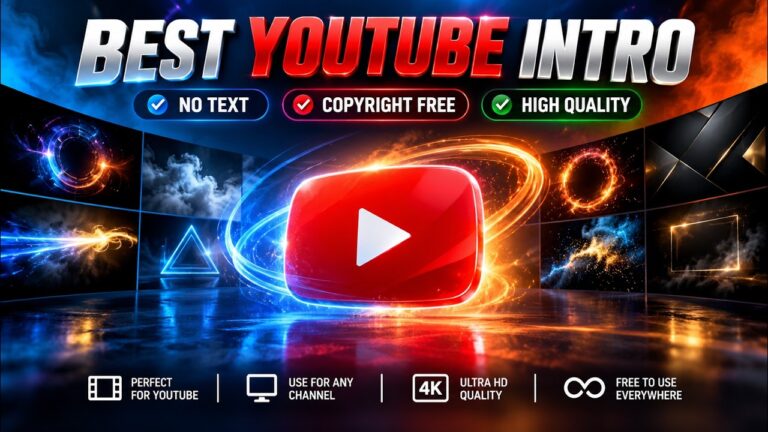
7 Best Free YouTube Intro Animation – No Text & Copyright-Free
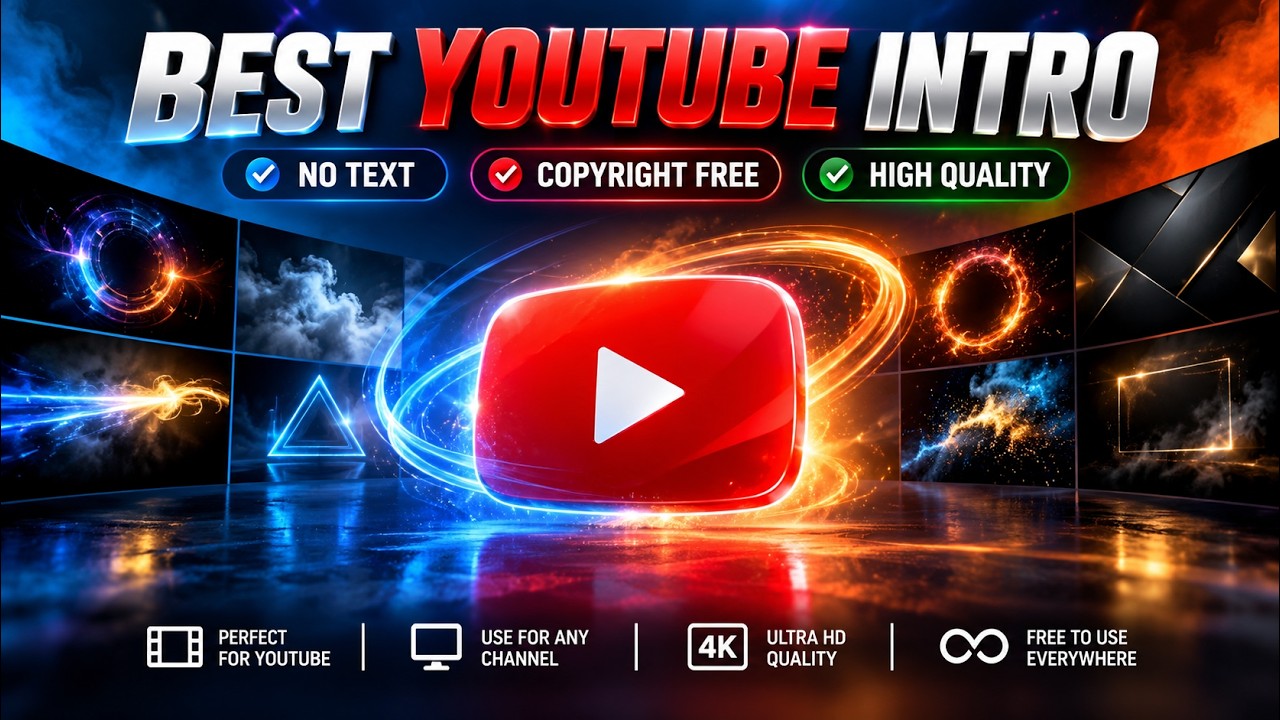
Download a Free YouTube Intro Animation with no text. Perfect for coding, tech, tutorials, vlogs, gaming and professional YouTube videos.
A professional introduction can make your YouTube videos look more polished and consistent. Whether you create coding tutorials, web development videos, tech reviews, gaming content, educational videos, or vlogs, a short intro can help establish your channel’s visual identity.
If you’re looking for a Free YouTube Intro Animation without pre-added text, this resource is worth checking out. The no-text design gives you the flexibility to add your own channel name, logo, website name, or branding before publishing your video.
Download Free YouTube Intro Animation
You can watch the intro and access the download resource from the video below:
🎬 Watch the Complete Tutorial
Follow the video tutorial to understand how the PHP shopping cart works from product listing to cart management.
The animation is designed to be simple and versatile, making it suitable for different types of video content. Instead of spending hours creating an intro from scratch, you can use a ready-made animation and customize it according to your requirements.
Why Use a No-Text YouTube Intro?
A no-text intro provides much more freedom than an animation containing a fixed channel name or title.
For example, you can add your own:
- YouTube channel name
- Logo
- Website or blog name
- Brand tagline
- Programming community name
- Course or tutorial title
- Social media handle
This makes the animation useful for both individual creators and businesses.
A short intro can also help maintain consistency between your videos. When viewers see the same visual identity at the beginning of your content, it can gradually become part of your channel’s branding.
Perfect for Web Development and Coding Channels
If you run a web development blog or programming YouTube channel, this intro can be particularly useful for tutorial videos.
You can use it before tutorials covering technologies such as HTML, CSS, JavaScript, PHP, MySQL, Bootstrap, jQuery, WordPress, and frontend development.
For example, a coding tutorial could start with the intro animation, followed by your channel logo and then the actual lesson. This creates a more structured viewing experience without making the introduction unnecessarily long.
You can also combine the intro with your existing tutorials and resources about HTML, CSS, JavaScript, and PHP.
Where Can You Use This Intro?
This Free YouTube Intro Animation isn’t limited to programming content. It can be used for many different types of videos, including:
- Coding and programming tutorials
- Web development tutorials
- Technology videos
- Software tutorials
- Gaming videos
- Travel vlogs
- Educational content
- Product videos
- Personal branding videos
- Cinematic videos
- YouTube Shorts
- Social media video content
Because the animation doesn’t contain fixed text, you can adapt it to different projects without having to redesign the entire intro.
How to Add the Intro to Your Video
Using the animation in your project is relatively simple. You can follow these basic steps:
1. Download the Intro
First, open the download video and get the available intro resource.
2. Import It Into Your Video Editor
Open your preferred editing software and import the downloaded animation. Most popular video editors can handle standard video formats.
3. Add Your Branding
Place your channel name, logo, or other branding elements over the animation if required.
4. Adjust the Timing
Keep your intro short and engaging. Viewers generally want to get to the main content quickly, especially when watching tutorials.
5. Export Your Video
Once you’re happy with the result, export the completed video and upload it to your YouTube channel.
Which Video Editors Can You Use?
You don’t need a particular editing application to use this intro. Depending on the format of the downloaded file, you can work with popular video-editing tools such as CapCut, Filmora, DaVinci Resolve, Adobe Premiere Pro, or Adobe After Effects.
For simple projects, a basic video editor is usually enough. More advanced editors can be useful if you want to add custom transitions, sound effects, color adjustments, or animated branding.
Tips for Creating a Professional YouTube Intro
A good intro doesn’t need to be complicated. In fact, keeping it short and focused can make it more effective.
Here are a few useful tips:
- Keep the intro short.
- Use your channel logo consistently.
- Choose fonts that are easy to read.
- Avoid adding too many visual effects.
- Match the intro with your channel’s overall design.
- Use suitable background music or sound effects.
- Make sure the intro doesn’t delay the main content.
For tutorial and educational channels, a short introduction is usually preferable because viewers are often looking for a specific solution or lesson.
Final Thoughts
A professionally designed intro can give your YouTube videos a more consistent appearance without requiring a complicated editing workflow. This Free YouTube Intro Animation is a convenient option if you want a clean, no-text animation that can be customized with your own branding.
It can work particularly well for web developers, coding educators, technology bloggers, programmers, and YouTube creators who regularly publish tutorial-based content.
If you’re building a developer-focused YouTube channel alongside your website, combining useful programming tutorials with consistent visual branding can help create a more recognizable content experience.
Download the Intro
Ready to use it in your next video?
Watch the Intro & Get the Download
For more web development resources, tutorials, and useful tools, explore the other articles available on the blog.
